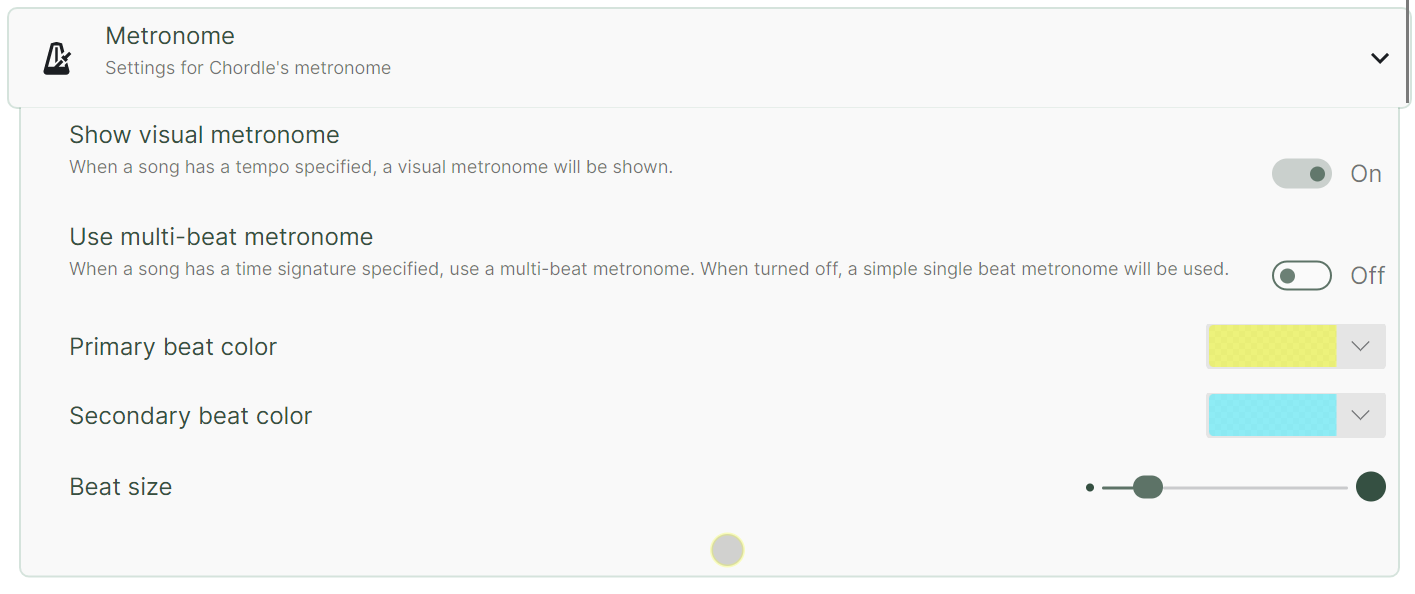
When a tempo is specified in a song, the visual metronome will be shown at the bottom of the screen. Chordle also has an audio metronome that plays a sound on each beat if you prefer to hear the beat rather than watch for it.
0:00 / 0:00
A multi-beat metronome will only be shown if the song’s time signature is specified in addition to the tempo. If only the tempo is specified, a single beat metronome will be shown instead.
0:00 / 0:00
If you want to change the appearance or completely remove the visual metronome, you can do so through the Metronome section of the settings pane: