
The song library is where you can view and manage all of your songs. You can search, filter and sort your songs to find the one you want to play or edit.
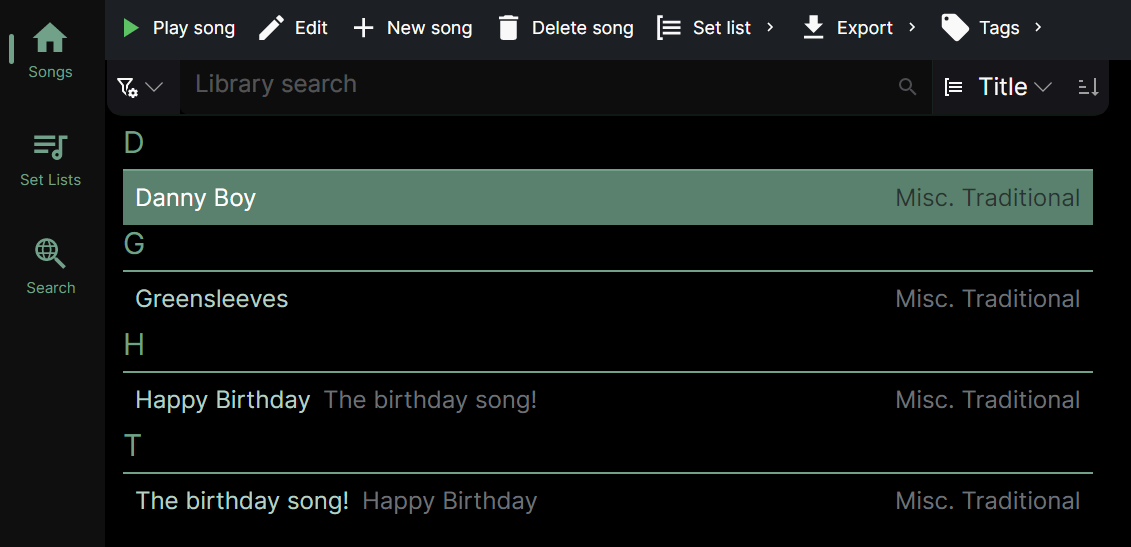
💡 You can quickly navigate around the library by zooming out to headings.
When your display is wide enough, the library shows a second pane on the right. This is the song player - a song you’re playing appears here alongside your library, so you can keep browsing while it plays. On a wide window a single tap on a song plays it into this pane; a double-tap plays it and gives the song the screen to itself. On a narrow window a single tap only selects the song, and a double-tap plays it.
You can also play the selected song by tapping the play button in the toolbar.
Song details
Details about the selected song - when it was added, when it was last updated, its tempo and duration, its tags, and how often it has been included in set lists - are shown in a collapsible panel at the bottom of the library list. Tap the panel header to expand or collapse it. It stays collapsed by default so the list has more room.
See also:
- Playing songs for the full player experience, including full screen
- Docking the set list for choosing where a playing set list appears
- Selecting library items for tips on how to select songs in the library