
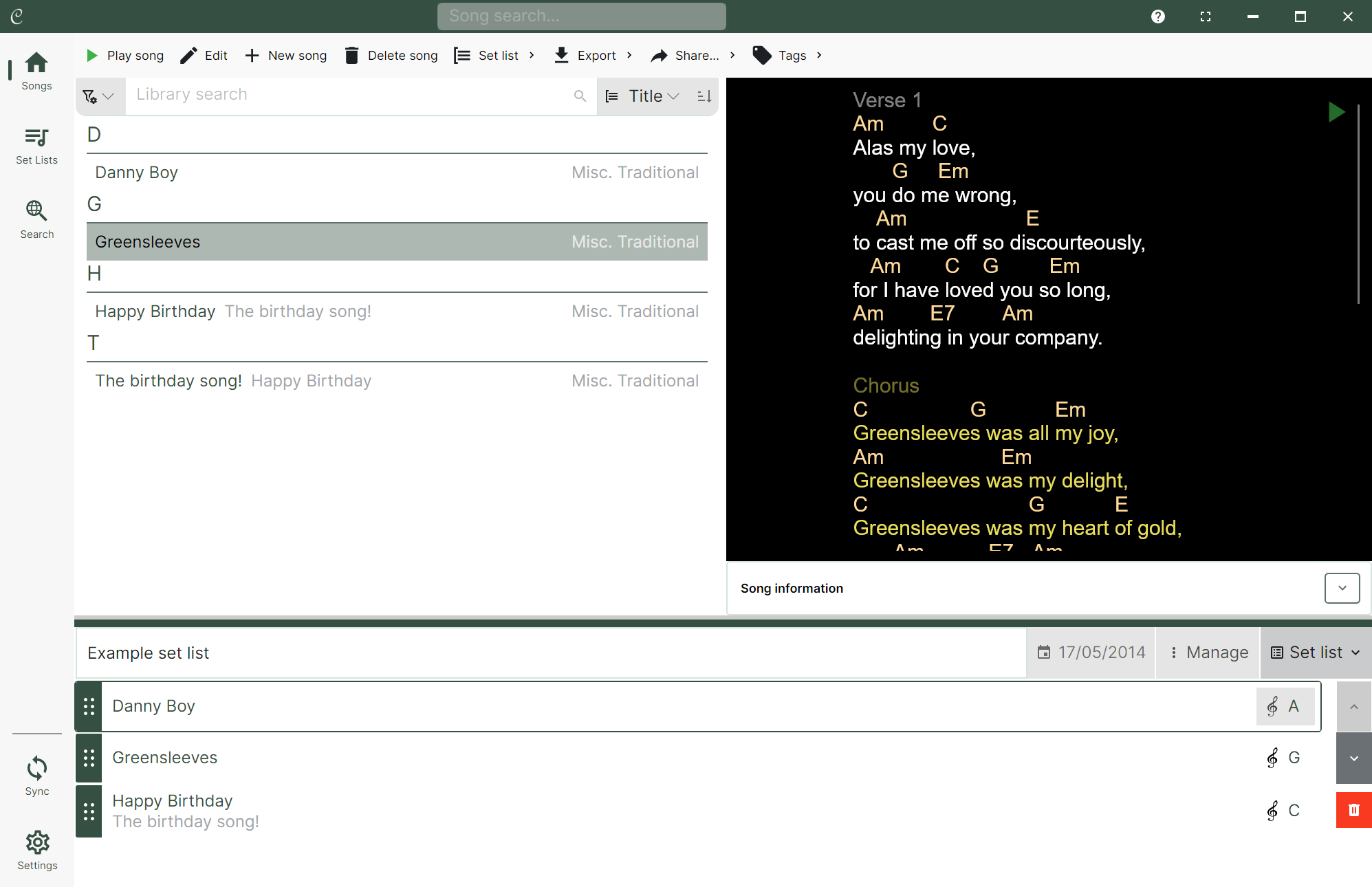
The new version of Chordle is a major update that brings a host of new features and improvements to the app, however there is a brand new interface that will be unfamiliar to you if you’re upgrading from the old version.
A good place to start is by exploring the new interface documentation.
New features
Song editor
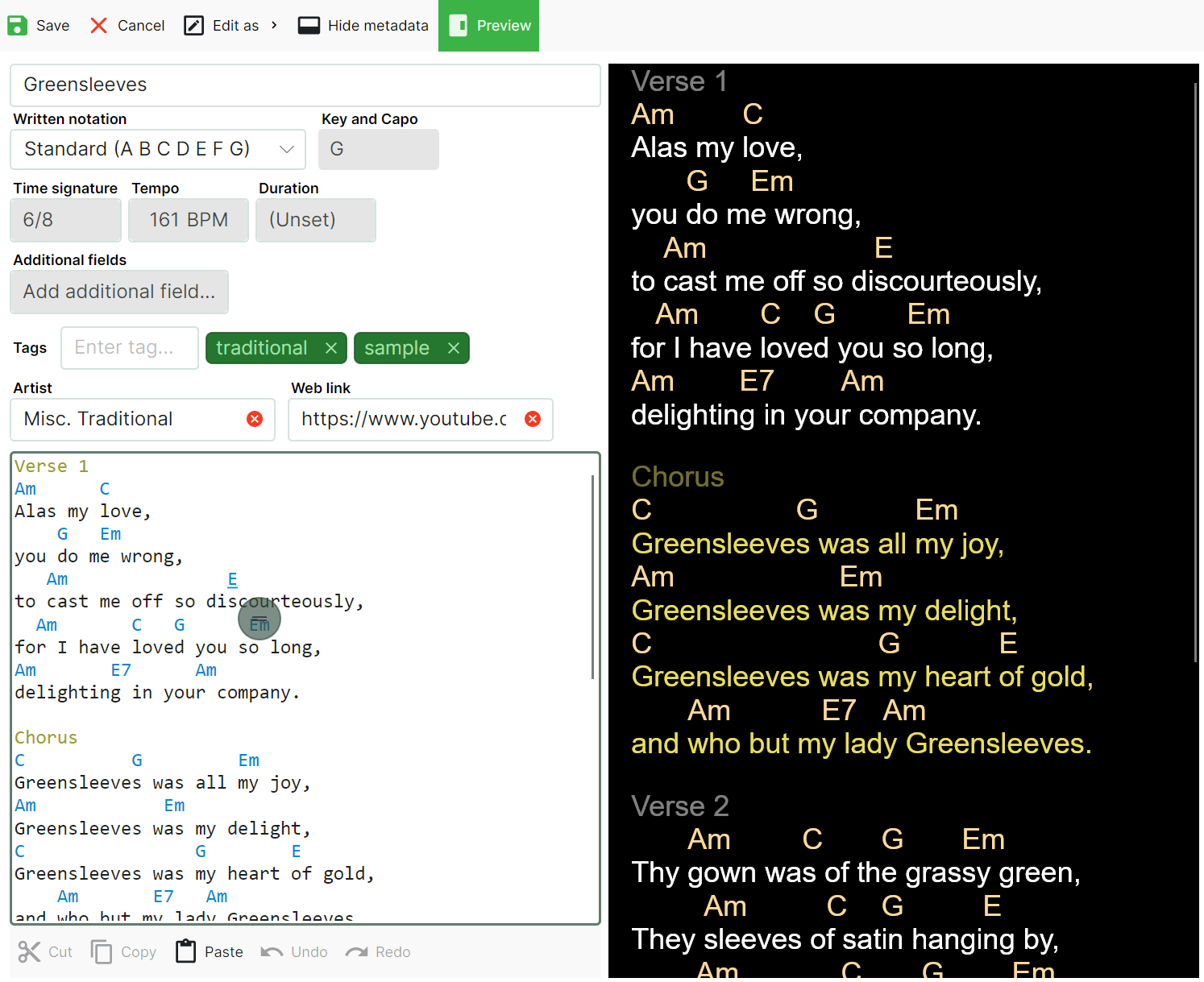
A greatly improved song editing experience with support for both ChordPro and Chords Above Text formats, as well as highlighting of chords and ChordPro directives and drag and drop chord placement.
Ink annotations
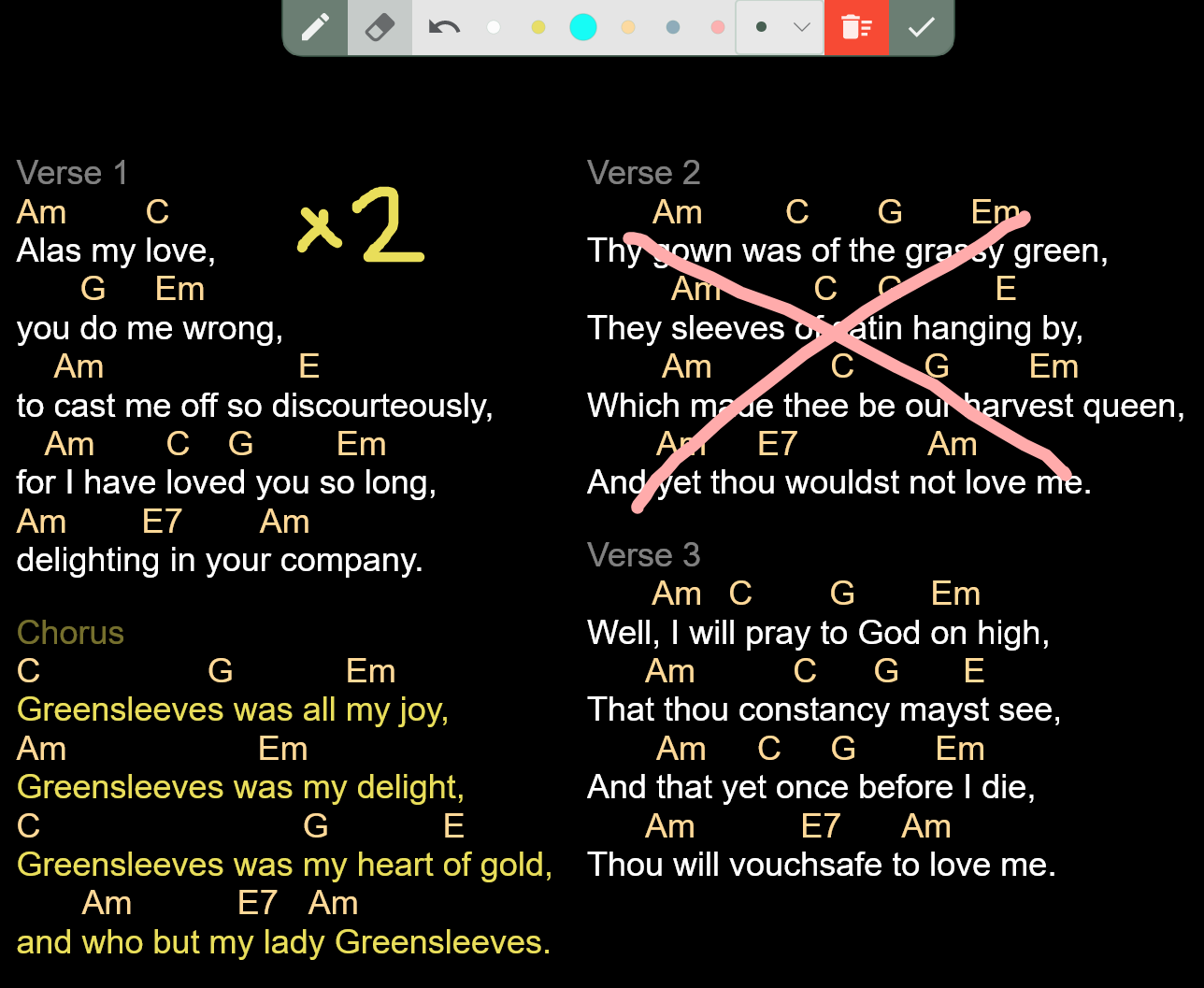
Ink annotations for songs, allowing you to draw directly on the song sheets with a stylus or your finger to add performance notes.
Song presentation modes
A new “Paginated” song presentation mode that splits songs into pages for easier reading during performances. This adds to the existing Scrolling and Fit-to-screen modes, giving you more options for how to display your songs.
Quick search
A new quick search feature that allows you to quickly find songs wherever you are in the app.
Google Drive syncing
Syncing support for Google Drive has been added in addition to OneDrive. You can even sync with both services simultaneously.
Multi-beat metronome support
The visual metronome now supports multi-beat patterns, allowing you to set up complex time signatures and rhythms.
External monitor support
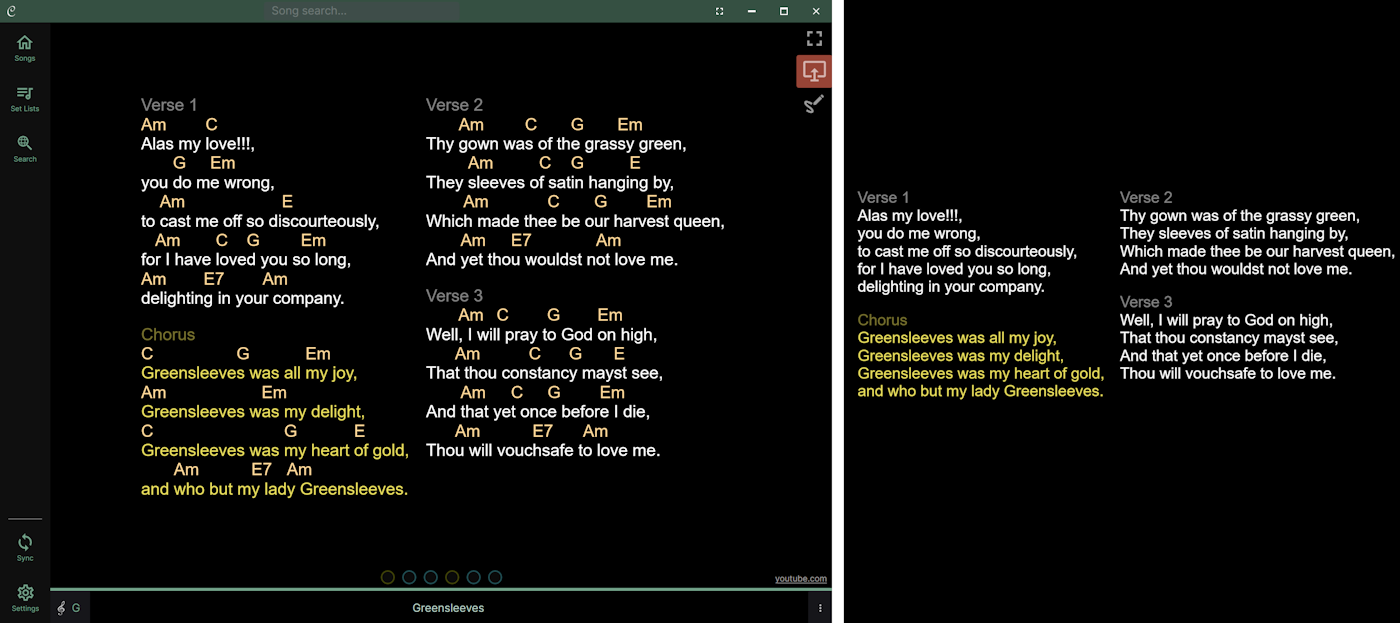
Support for external monitors has been added, allowing you to display songs on a separate screen while using the main screen for navigation and other tasks. You can choose to present everything on your screen, just the chords and lyrics, or even just the lyrics.
Exporting to PDF
In addition to the existing Chordle, ChordPro and Microsoft Word formats, you can now export songs and set lists directly to PDF format without jumping through hoops.